Prompt-led motion
Start with a compact idea and shape it into a short video draft with scene direction, rhythm, and framing.
 SinAISinAI VideoContact
Self-hosted AI video studio
Shape prompts and selected images into short video drafts with a focused mobile workflow, private generation handling, and a visual system built for fast creative iteration.
Studio shape
Start with a compact idea and shape it into a short video draft with scene direction, rhythm, and framing.
Use a selected image as the visual reference for AI video generation while keeping control over the creative direction.
Create quick motion studies for social clips, product experiments, concept previews, and creator workflows.
AI generation runs on servers operated by us. User prompts, images, and outputs are not sent to third-party AI services.
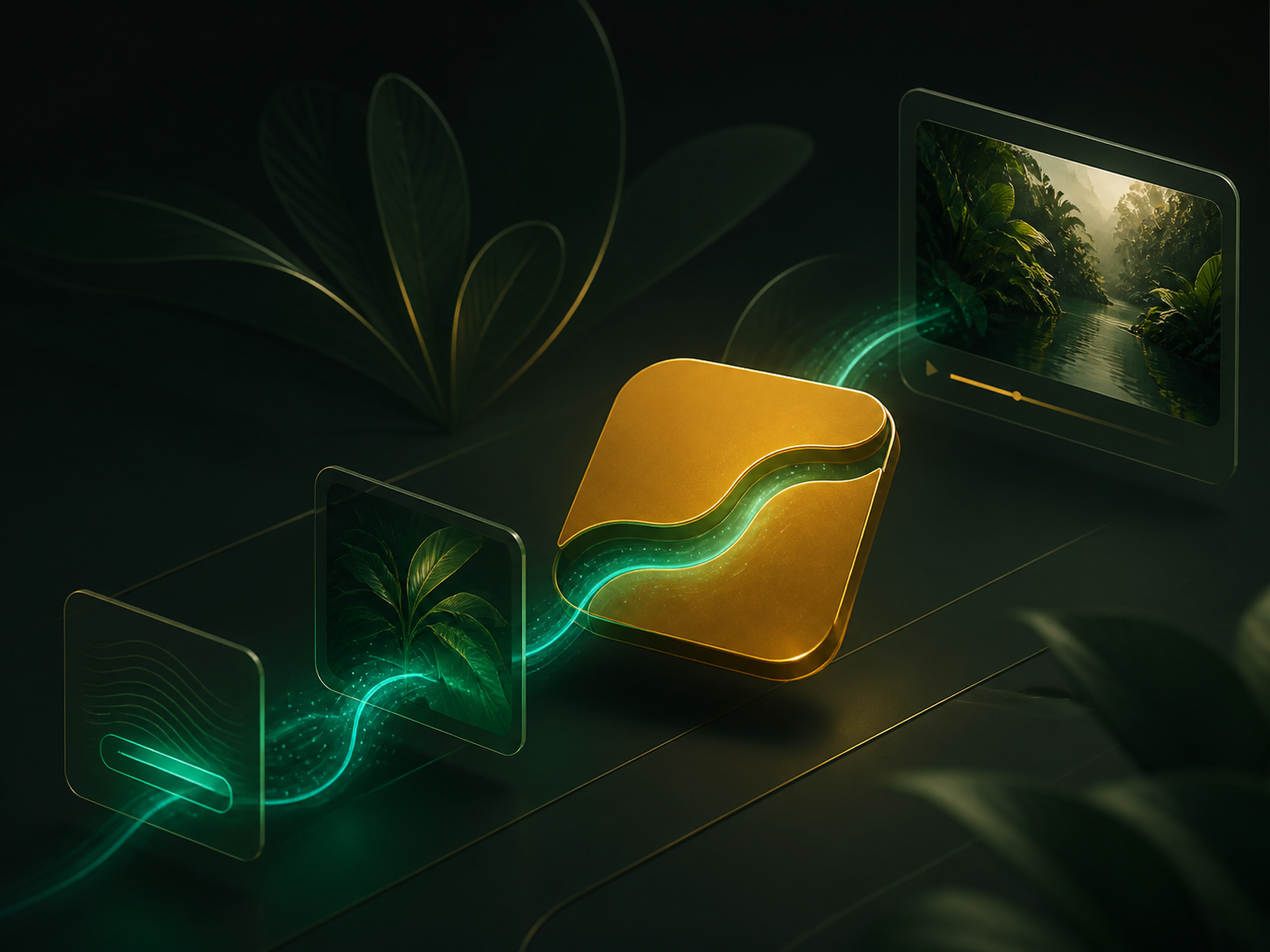
Private generation path
Enter a prompt or select an image you want to animate.
Adjust the idea with mood, movement, subject focus, and format choices available in the app.
The request is processed on SinAI-operated servers and returned to your creation history.
Prompts, input images, and generated videos are automatically removed from our servers no later than 36 hours after creation, or sooner when you delete the creation or account.
Visual gallery
A dark studio surface built around the green and gold SinAI mark.
Prompt, image input, model processing, and rendered video arranged as one private workflow.

A preview set for short videos, image-led scenes, and social motion drafts.
Review-ready information
The site keeps the core compliance paths visible: contact, FAQ, in-app account deletion guidance, marketplace refund handling, and AI data processing details.
Self-hosted AI processing, no third-party AI services, no training, and 36-hour deletion.
Privacy PolicyPersonal information, AI media processing, support requests, retention, and account deletion.
Terms of ServiceRules for accounts, AI outputs, acceptable use, purchases, credits, and app access.
Refund PolicyHow Apple App Store and Google Play refund decisions are handled.
Support and FAQContact options, account deletion guidance, refund help, and bug reporting.
Support preview
Email contact@sin-ai.net with your device model, app version, a short description, and screenshots or screen recordings if they help explain the issue.
Where accounts are offered, the app provides an account deletion option in the account, profile, or settings area. Follow the in-app confirmation steps. If you cannot access the app, contact support from the email associated with your account.
Purchases made through Apple App Store or Google Play should be requested through the same store's refund tools. When the store approves a refund and confirms it to us, related credits, subscriptions, exports, or paid access may be adjusted.